See clearly.Stay in control.
SafeLens analyzes the images and videos you choose and tells you what it found. You decide what to share, and our privacy policy explains exactly what happens next.
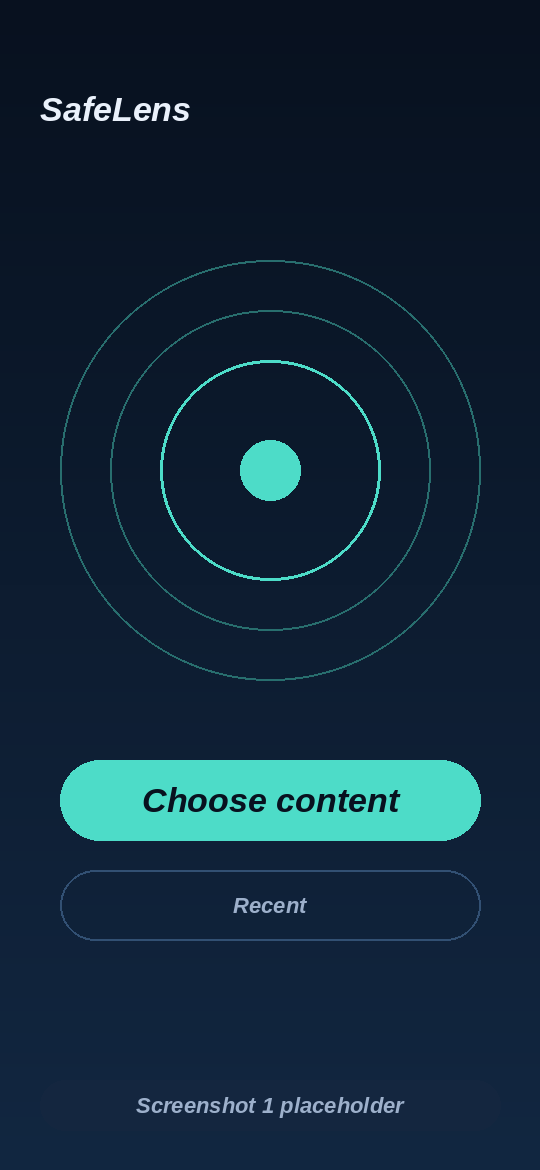
SafeLens analyzes the images and videos you choose and tells you what it found. You decide what to share, and our privacy policy explains exactly what happens next.
No account setup to wade through. Pick something, let SafeLens look at it, and read the result.
Select an image or video from your device. Nothing is analyzed until you choose it.
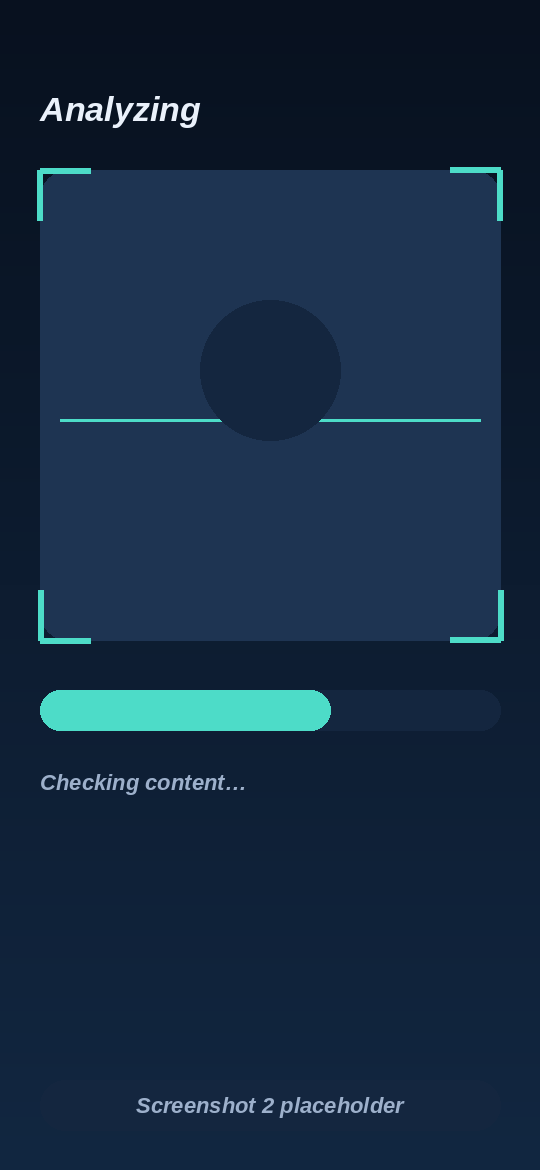
The content is processed to produce the analysis you asked for, then the result comes back to you.
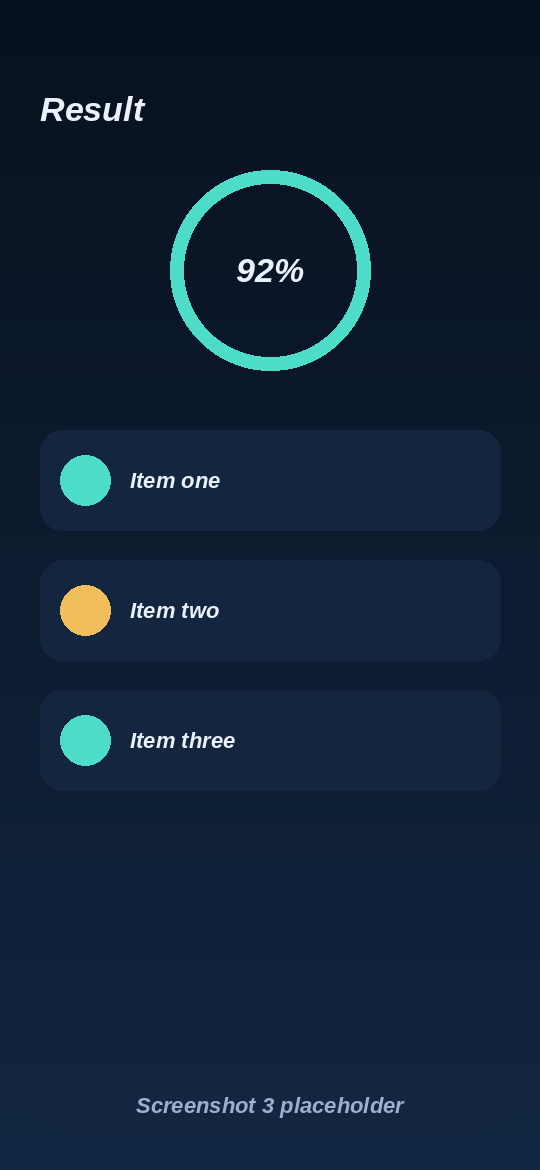
Read the findings in plain language and decide what to do next.
A quick tour of the app.
The short version of what our privacy policy says. The full policy has the details.
Content you submit is not shown to other SafeLens users, and we do not sell uploaded images or videos.
Information is used to deliver your analysis, keep the app running, fix problems and answer support requests.
Want to see, correct or delete your data? Email us and we will help.
Can't find your answer? Email info@sanisrapp.net.
No. We do not sell uploaded images or videos, and your content is not shown to other SafeLens users.
To run an analysis, content may be sent to SafeLens systems and to trusted third-party providers, including AI processing providers. The privacy policy explains this in detail.
Content you choose to submit, basic technical information such as app version, device and diagnostics, and anything you send us when you contact support.
Send an email to info@sanisrapp.net describing your request. We may need to verify who you are before we respond.
SafeLens is not designed for children under 13, and we do not knowingly collect their personal information.
Download it from Google Play.